How the models work
Your plan decides how many credits you get; the model you pick decides what the thumbnail looks like.
Every example below was made from the same brief — the same title, niche, mood and caption — so what differs between them is the model.

Thumblify Standard
20 credits~76s typical
Follows the prompt most literally.
Details
Best for
- Everyday thumbnails where the caption has to read exactly as you typed it
- Scenes with several distinct objects that all need to be in frame
Not for
Not the fastest — its slowest production run took 76 seconds, longer than the tier above it.
Thumblify Face
25 credits~25s typical
Your own face, from a single photo.
Details
Best for
- Putting your own face into a scene from a single photo
- The cheapest way to get yourself into a thumbnail
Not for
One image per generation, always — its endpoint has no way to ask for more. It also refuses photos it cannot find a clear face in.
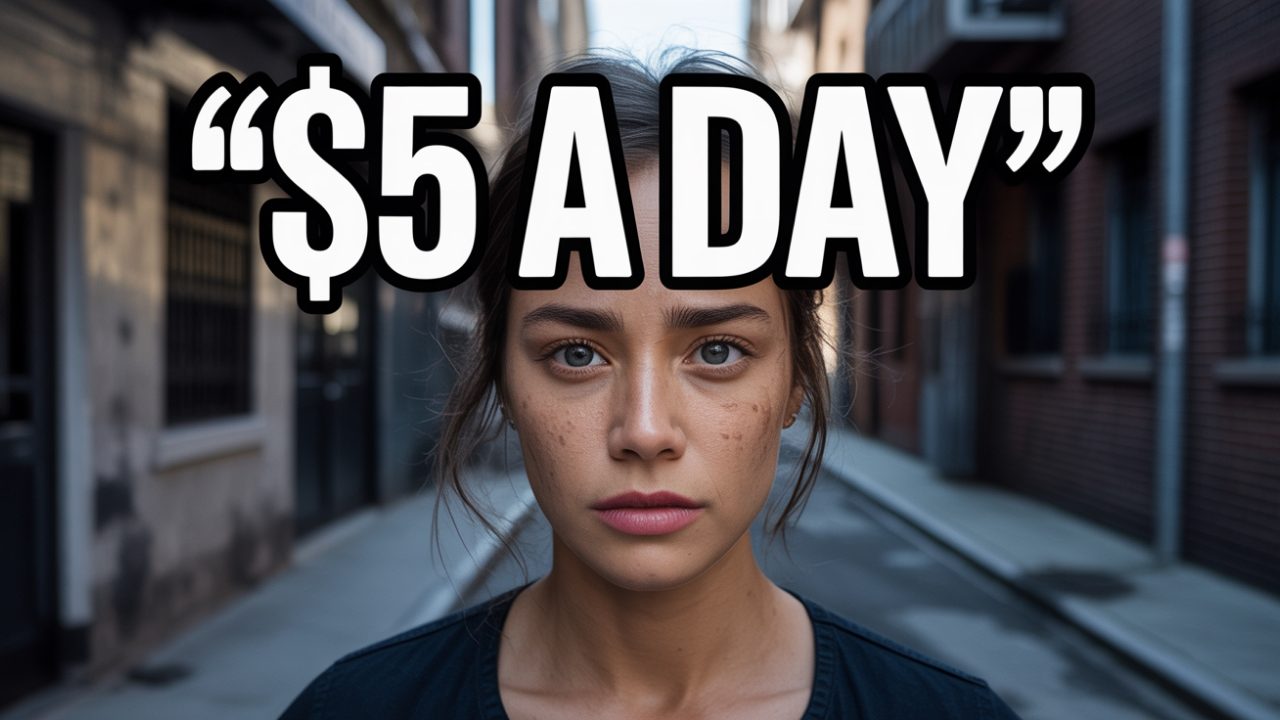
Thumblify Cinematic
35 credits~18s typical
The most cinematic lighting here.
Details
Best for
- A lit, filmic look — the most cinematic lighting of anything here
- Fast, cheap iteration while you are still deciding on a direction
Not for
Less dependable when a scene needs several distinct objects — asked for two of something, it has drawn one.
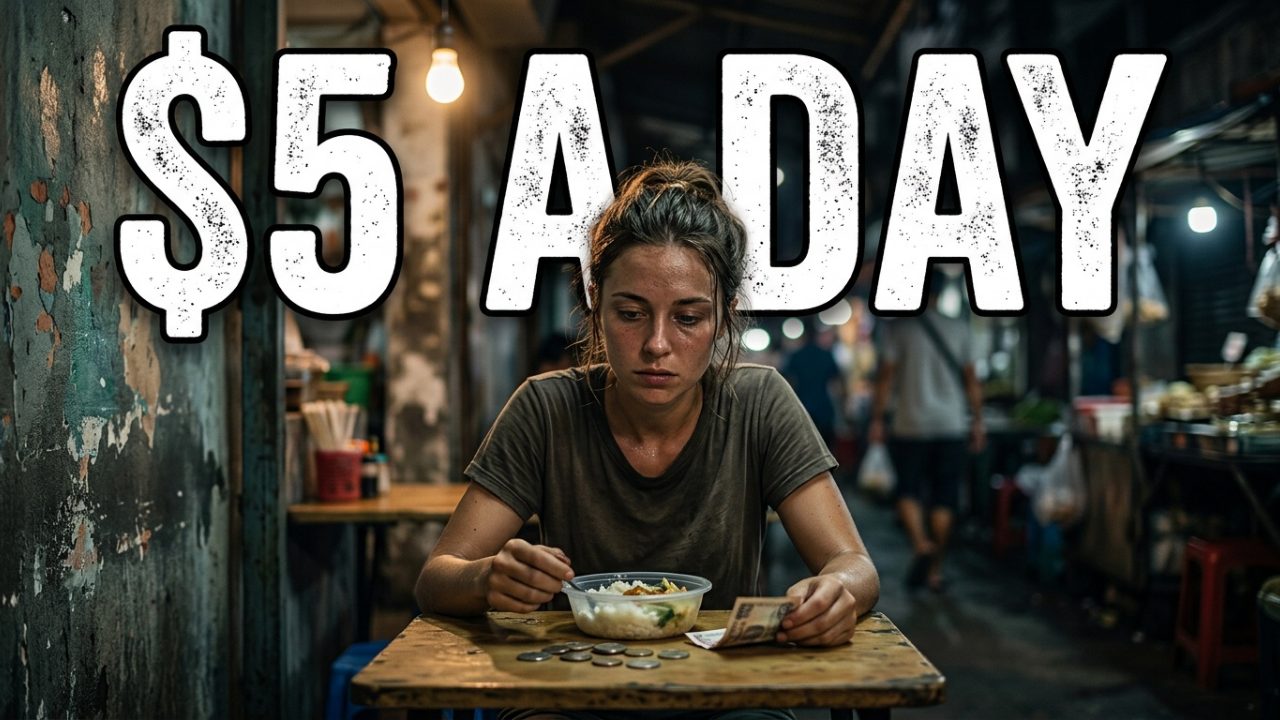
Thumblify Balanced
90 credits~26s typical
The most consistent, scene to scene.
Details
Best for
- A reliable result across any kind of scene
- Close to the top model's quality for well under half the credits
Not for
Costs more than four times the entry tier, which is a lot to spend while you are still trying wordings.
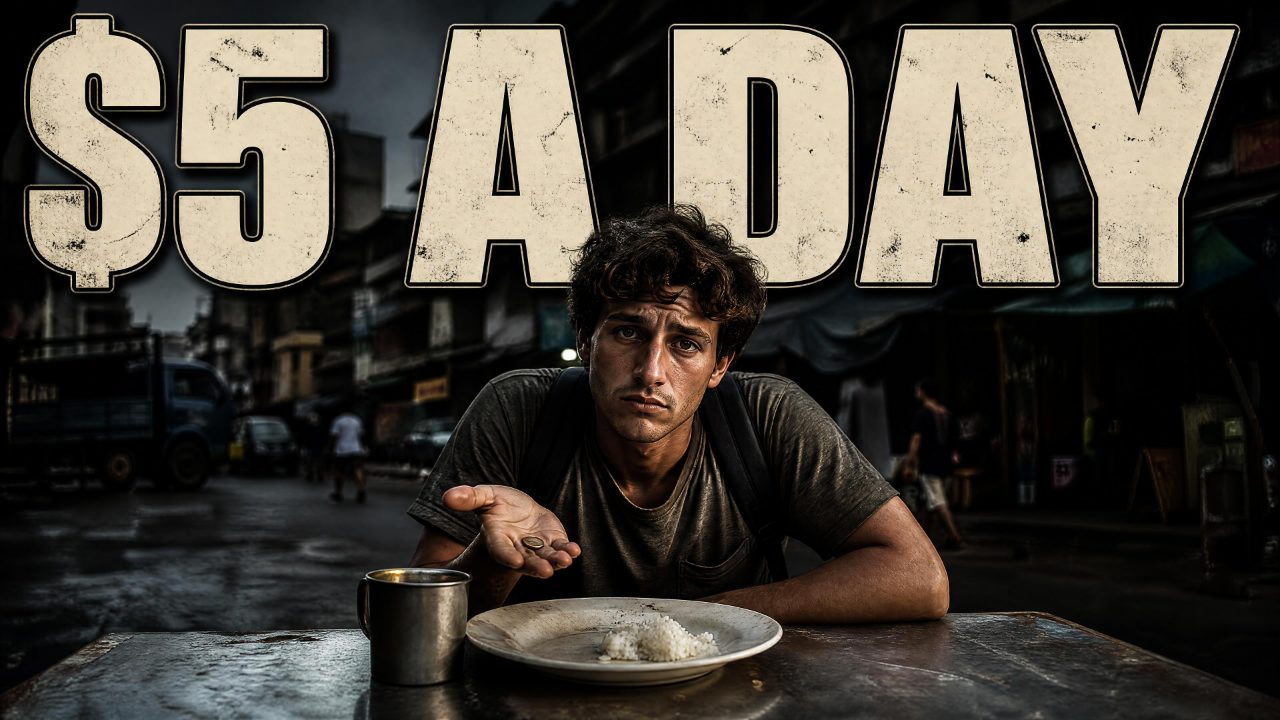
Thumblify Sharp
125 credits~55s typical
Draws the finished frame in one pass.
Details
Best for
- Text in the image that must be spelled exactly right
- A frame that arrives finished, straight out of one call
Not for
The slowest to answer — around a minute at 4K — and second dearest in credits. With a face attached it makes one image at a time.
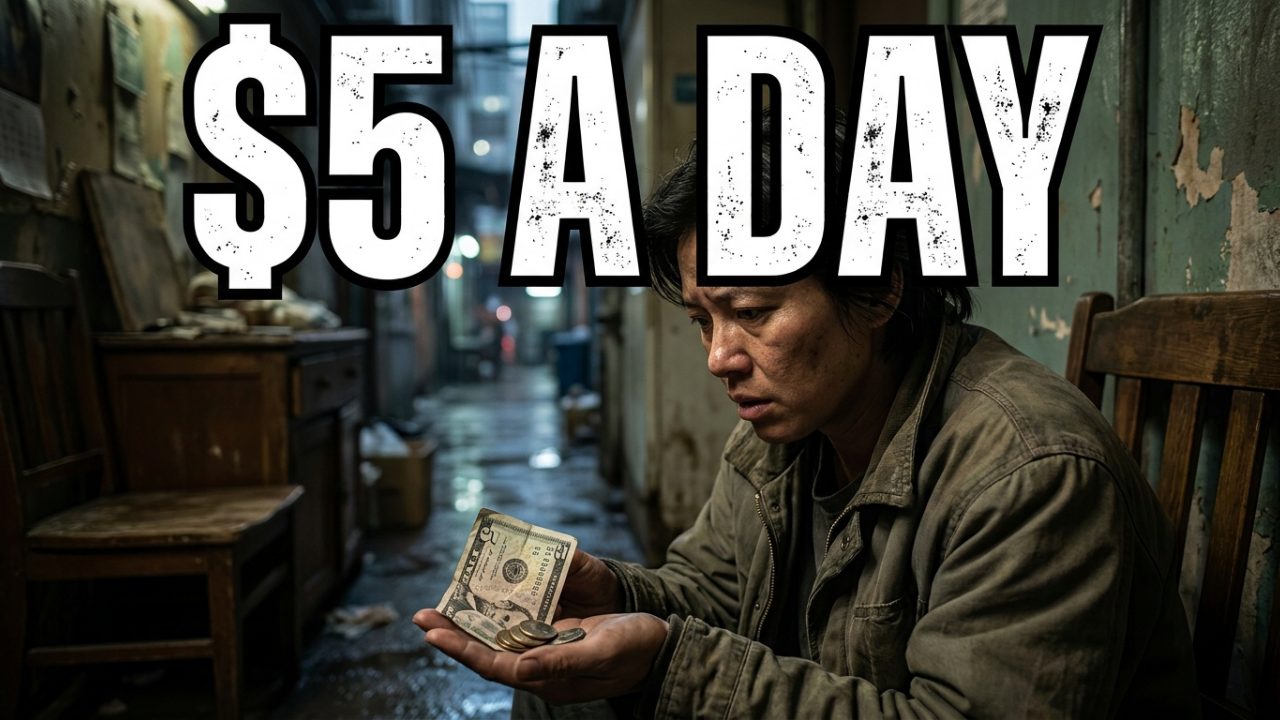
Thumblify Ultra
200 credits~35s typical
Best at faces, hands and real materials.
Details
Best for
- The strongest all-round image quality on the site
- A thumbnail you have already settled the wording of and want finished properly
Not for
The most expensive option here. If you are still iterating, iterate somewhere cheaper and finish on this.
Side by side
Every model here delivers 3840 x 2160 on Pro and Elite, so size is not a column. On Free that figure is 1280 x 720 and on Basic 1920 x 1080 — except Thumblify Sharp, which delivers 3840 x 2160 on every plan.
| Model | Credits | Typical time | Text in image | Face upload | Max variants |
|---|---|---|---|---|---|
| Thumblify Standard | 20 | ~76s | up to your plan | ||
| Thumblify Face | 25 | ~25s | 1 | ||
| Thumblify Cinematic | 35 | ~18s | up to your plan | ||
| Thumblify Balanced | 90 | ~26s | up to your plan | ||
| Thumblify Sharp | 125 | ~55s | up to your plan | ||
| Thumblify Ultra | 200 | ~35s | up to your plan |
Typical time is the median of real generations, not a promise. Every figure in this table is read from the same place the generator reads it, so it cannot drift from what you actually get.